Free Android app · works offline
What does your car really cost to drive? Not just fuel.
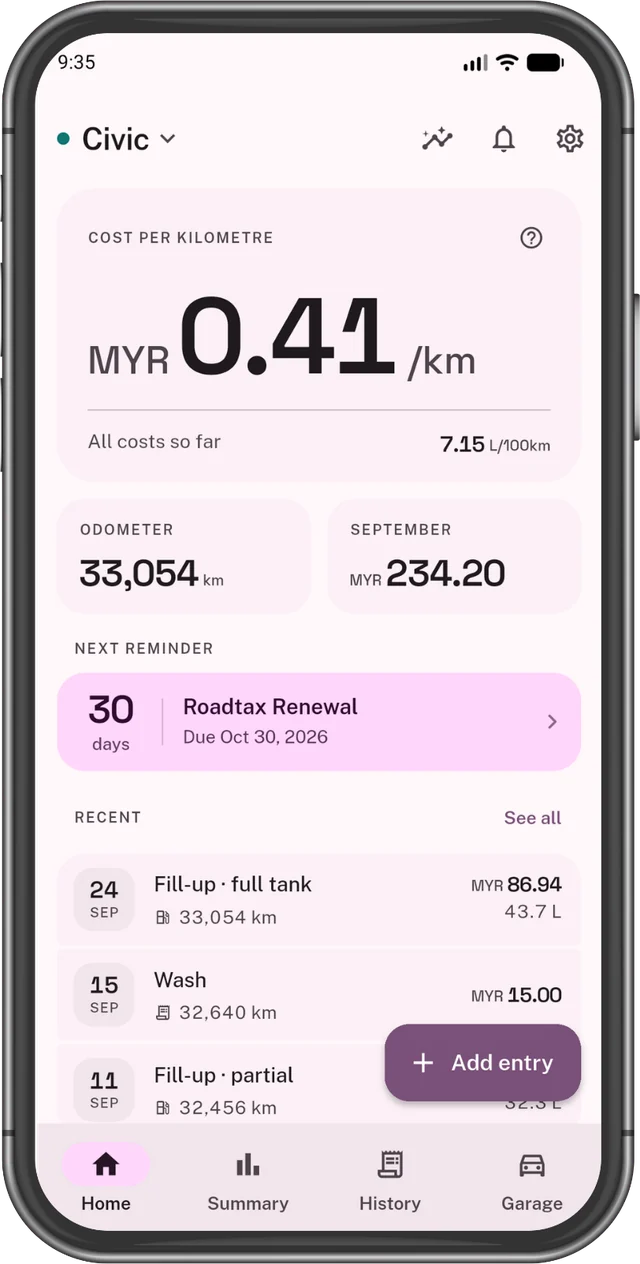
Log each fill-up, charge and bill in a few taps. OdoTick adds it all up into one number: your cost per km.
Free for two cars Petrol, diesel, electric, hybrid No account No ads
What your car costs per km
MYR0.41/km
The same number for a petrol car and an electric one, so you can put them side by side.
How it works
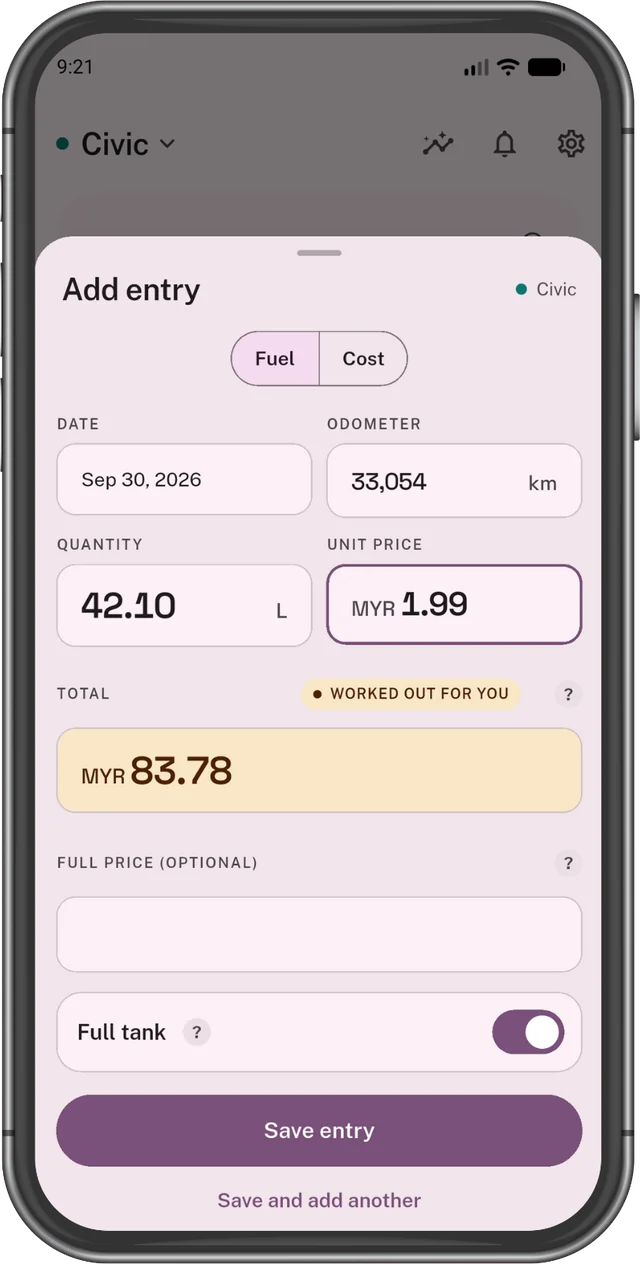
From receipt to cost per km, in three steps
Inside the app
Everything your car costs, in one app
Petrol or electric, it all adds up here.
Quick to log
Type what you paid. OdoTick does the rest.
- Fuel, charging and bills
- Add old receipts too
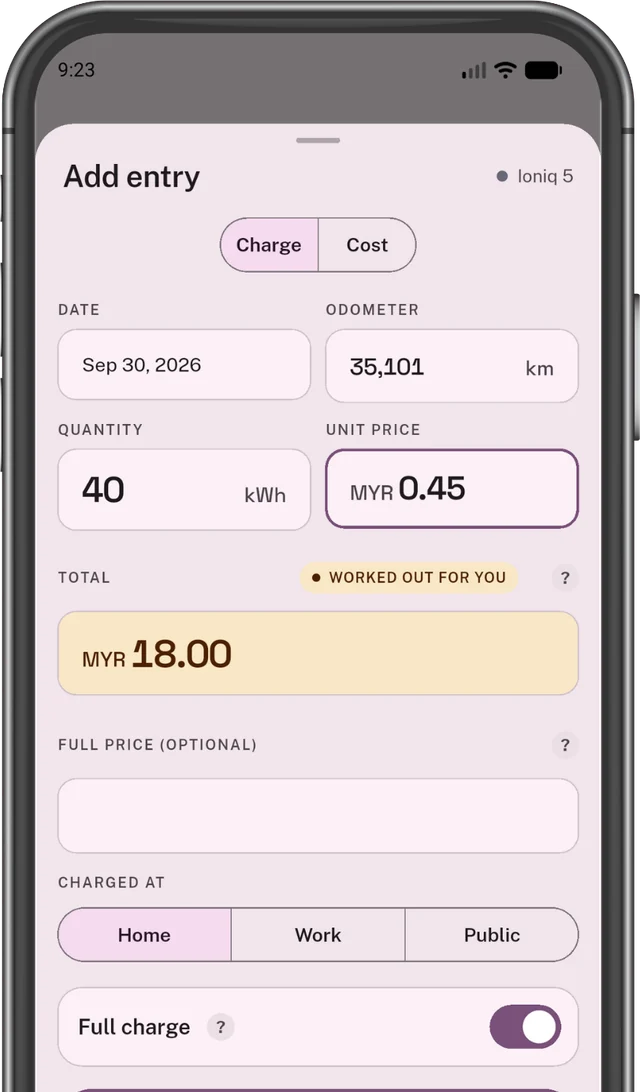
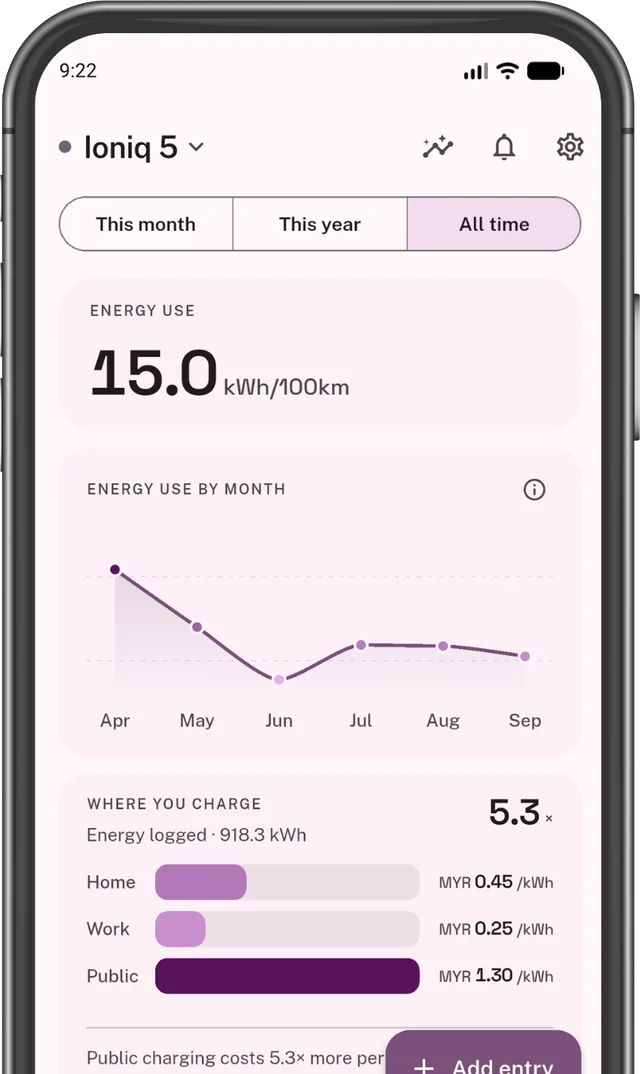
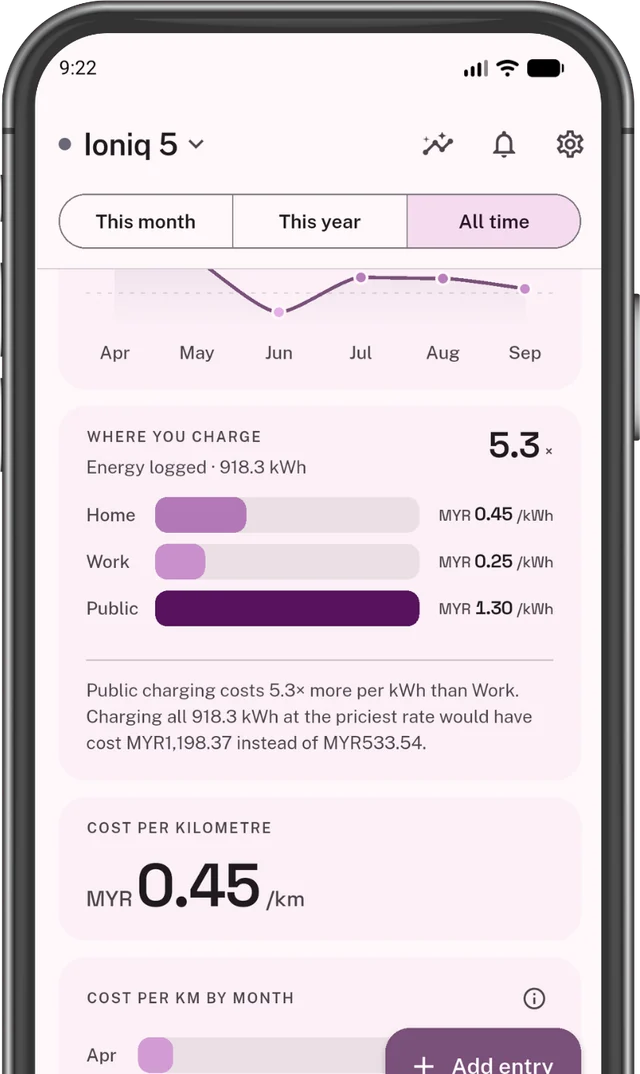
Electric cars too
See if charging at home or outside costs you more.
How far a litre goes
Fill up to the top twice. OdoTick does the sum.
Every cost counts
Service, tyres, insurance, parking. Not just fuel.
Your units, your money
Km or miles. Litres or gallons. Your own currency.
Road tax reminders
A heads-up before road tax or a service is due.
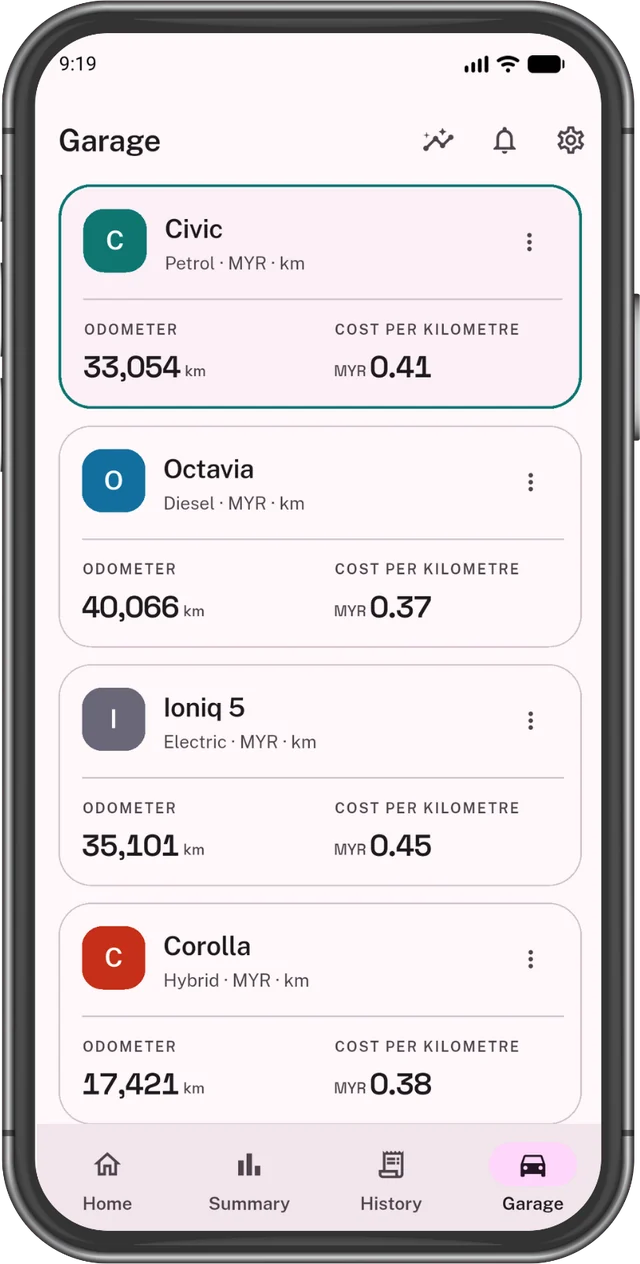
More than one car?
Two cars free. Plus for more.
Your data stays on your phone Free
No account. We never see it.
- No sign-up
- No ads
- Works without internet
- Back up to a file Plus
Petrol vs electric
Is electric really cheaper?
It depends where you charge. See how we worked it out.
- Your cost per km, for each car
- Home vs outside charging
- What you spent each month
Fuel or charging, per km Example
Example: a car using 15 kWh or 6 litres per 100 km, at September 2026 prices. Yours come from your own receipts.
Upgrade
OdoTick Plus
Free for two cars, for as long as you like. Plus is for more.
More cars
As many as you like.
Trends and reports
Compare any year with the one before. Save it as a PDF.
Year in review
Your car's year, ready to share.
Spreadsheet export
All your entries, in one file.
Back up to a file
Take it to a new phone. Restoring is free.
Three ways to pay
Monthly with a free trial, yearly, or once for good.
Plus is sold through Google Play, where you see your price before you buy. The monthly plan starts with a free trial, then becomes a paid subscription unless you cancel first. Monthly and yearly renew until you cancel them in Google Play. Lifetime is paid once and never renews. See the Terms of Service.
FAQ
Questions, answered
Is OdoTick free?
Yes, for up to two cars, for as long as you like. There are no ads, free or paid. Plus is for more cars, reports, the year in review, spreadsheet export and backup.
Does it work for electric cars and hybrids?
Yes. Log each charge and whether it was at home, at work or outside. An electric car gets the same cost per km as a petrol one, so you can compare them. A plug-in hybrid can log both fuel and charging.
Is there an iPhone version?
No, OdoTick is Android only.
Do I need an account or the internet?
No. There's no sign-up, and the app works offline, even in a basement car park. It only goes online to show Plus prices, to check a Plus purchase, and to send a crash report if it crashes.
Is my data private?
Yes. Your cars, receipts and reminders stay on your phone, and we never see them. No ads and no analytics. If the app crashes, an anonymous crash report goes to Google's Firebase Crashlytics. If you buy Plus, the receipt goes to Google Play and RevenueCat, which handles the purchase. More in the privacy policy.
How does it work out how much fuel I use?
Fill the tank to the top twice. OdoTick divides the fuel you added by the distance you drove in between, the way you'd do it by hand. Until then it shows a dash instead of a guess.
Will it remind me about my road tax?
Yes. It reminds you before the date, on the day, and a few times after. But it's a helper, not a guarantee: the dates are the ones you typed, and your phone's battery settings can delay a reminder. For anything with a fine, keep a second reminder too. See the terms.
Can I use it for mileage claims or tax?
Not as an official record. OdoTick doesn't log trips, and every figure comes from what you typed. A spreadsheet export is a good starting point; check it against your receipts. See the terms.
How do I move to a new phone?
With Plus, save a backup file from Settings, then restore it on the new phone. Restoring is free. Keep the file somewhere safe; your data lives only on your phone.
What happens if I uninstall the app?
Your data is deleted with it, and we have no copy. Save a backup first if you want to keep your history.
What happens if my Plus subscription ends?
Nothing is deleted. All your cars, receipts and reminders stay, and you can keep logging. Plus extras like reports and export lock again, and you'll need Plus to add a third car.
How do I cancel Plus?
In the app, go to Settings → OdoTick Plus, or in Google Play go to Payments & subscriptions. Plus stays on until the time you paid for runs out. Uninstalling the app does not cancel it.
I bought Plus but it's not showing.
Tap Restore purchase on the OdoTick Plus screen. Make sure you're on the same Google account you bought it with. Still stuck? Email us.
Find out what your car really costs
Start with your next fill-up or charge. It's free, with no sign-up.
Get it on Google Play